Install Ollama and get a useful local chatbot running in 30 minutes
Install Ollama with one command, pull a 2-7 GB model that fits your RAM, and wrap it in a Modelfile that holds your business facts and rules. On a Mac with 16 GB of memory or an Ubuntu box, the whole thing takes about 30 minutes, most of it download time.
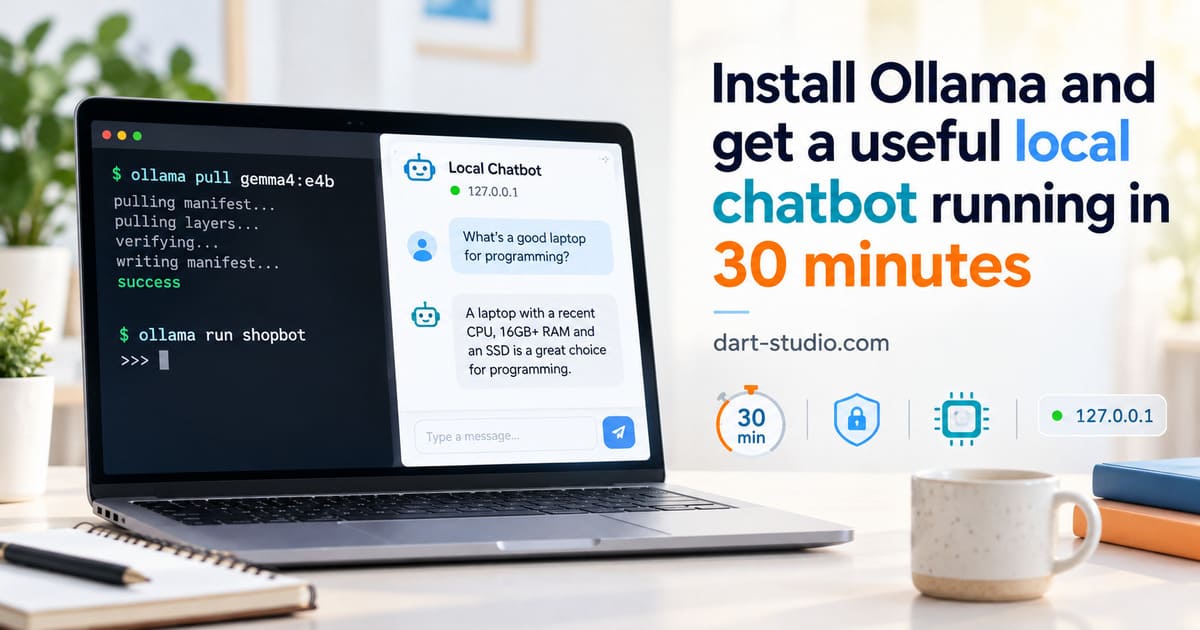
Ask a freshly installed model "what are your hours?" and you can get a polite paragraph explaining that it's an AI without business hours, followed by general advice about checking a company's website. Nothing is broken. The model has no idea who you are, and nobody told it to keep answers short.
Getting Ollama running takes five minutes. Getting it to behave like a front desk instead of a trivia machine is the other twenty-five, and that's what this walkthrough covers. Commands are for macOS 14 or newer and Ubuntu 24.04, written against the docs for Ollama v0.40.4, the current release as of October 2026.
What you need before you start
- A Mac with Apple Silicon and 16 GB of memory, or a Linux box with 16 GB of RAM. 8 GB works with smaller models, covered below.
- About 10 GB of free disk.
- A text file with your real business facts: hours, services, service area, phone number, what you don't do. If you can't write this file in ten minutes, the chatbot can't either.
No GPU is required. Apple Silicon uses its built-in GPU; on a Linux box without a supported graphics card Ollama falls back to the CPU, which is slower but fine for short answers.
Minutes 0-5: install Ollama
On a Mac, download the app from ollama.com/download and drag it into Applications. It needs macOS Sonoma (14) or newer. The app now includes its own chat window, which is handy for poking at models but isn't what we're building.
On Ubuntu:
curl -fsSL https://ollama.com/install.sh | sh
ollama -v
The script installs the binary and a systemd service, so Ollama starts on boot. Logs live in journalctl -u ollama.
Either way, you now have a server listening on 127.0.0.1:11434. Note the 127.0.0.1: only this machine can talk to it. Keep it that way until you've read the last section.
Minutes 5-15: pull a model that fits your memory
Model choice is a memory question first and a quality question second. A model has to fit in RAM along with its working memory for the conversation, so the download size is the number to watch. Current options, with sizes from the Ollama library pages:
| Your machine | Model tag | Download | License |
|---|---|---|---|
| 16 GB Mac or PC | gemma4:e4b |
6.6 GB | Apache 2.0 |
| 16 GB, second option to compare | qwen3.5:9b |
6.6 GB | Apache 2.0 |
| 8 GB | qwen3.5:4b |
3.3 GB | Apache 2.0 |
| 8 GB, oldest/slowest hardware | llama3.2:3b |
2.0 GB | Llama 3.2 Community License |
My rule of thumb, not an official one: keep the download under half your RAM. The rest goes to the operating system, the conversation context, and whatever else the machine is doing.
ollama pull gemma4:e4b
ollama run gemma4:e4b
Ask it three things a customer would ask. Type /bye to leave. Two cautions. Ollama's own pages disagree on the size of some tags (the quickstart and the tags page give different numbers for gemma4:e2b), so check the tags page before you pull on a slow connection. And the library moves fast: by the time you read this there may be a newer generation. Pin the exact tag you tested.
The Qwen 3.5 models can "think" before answering, which adds seconds you don't want on a customer chat. Test with thinking off (/set nothink inside ollama run) and compare.
Minutes 15-25: write the Modelfile
This is where it becomes your chatbot. A Modelfile is a small text file that names a base model, sets parameters, and holds a system prompt. Create a file called Modelfile:
FROM gemma4:e4b

PARAMETER temperature 0.3
PARAMETER num_ctx 8192

SYSTEM """
You answer customer questions for Bright Line Plumbing in Delray Beach, Florida.

FACTS (the only facts you know):
- Hours: Monday to Friday 7am-6pm, Saturday 8am-noon. Closed Sunday.
- Service area: Delray Beach, Boynton Beach, Boca Raton.
- Services: leak repair, water heaters, drain cleaning, repiping.
- Not offered: septic, pool plumbing, gas lines.
- Phone: 561-555-0100.

RULES:
- Answer in 1 to 3 sentences.
- Never give a price or estimate. Say a technician quotes on site.
- If a question is not covered by the facts, say you don't know and give the phone number.
- If someone describes flooding, a burst pipe or a gas smell, tell them to call now.
- Reply in the customer's language.
"""
The business is invented; swap in yours. Three choices in there are deliberate:
temperature 0.3. Ollama's documented default is 0.8, and Google's Gemma 4 model card recommends 1.0 for general use. Lower values make the model pick the likeliest wording, which is what I want for a fixed list of facts, but it's a starting point, not a law. Run your test questions at 0.3 and at 1.0 and keep whichever answers better.num_ctx 8192. The context window is how much text the model can see at once: system prompt plus conversation. Ollama now sets the default from your GPU memory, 4k tokens below 24 GB of VRAM, while the Modelfile reference still says 2048. Don't rely on either; set it. A long FAQ in the system prompt can eat 2-3k tokens before the customer types anything. When the window fills, Ollama drops the oldest conversation turns and keeps the system prompt, so a long prompt leaves less room for the conversation itself.- The "only facts you know" framing and the price rule. Small models are eager to help, and helping with no information looks like a made-up price. Saying what to do when it doesn't know matters more than any other line.
Build and run it:
ollama create shopbot -f Modelfile
ollama run shopbot
Minutes 25-30: test it like a customer, then call it from code
Write ten questions real customers ask, plus three it should refuse: a price, a service you don't offer, something off-topic. Run all thirteen. You're checking four things: are answers short, are facts right, does it refuse prices, does it hand over the phone number when it doesn't know. If it fails the price question, tighten the rule wording and rebuild; ollama create is quick because it reuses the downloaded weights. For choosing between models, a fuller 30-question version of this test is in the next article in this series.
[ALEX: one or two concrete failures you saw when first testing a Modelfile like this, e.g. what the model said to "how much for a water heater?" before the price rule was added.]
Then call it the way a website would. The native API:
curl http://localhost:11434/api/chat -d '{
  "model": "shopbot",
  "stream": false,
  "messages": [{"role": "user", "content": "Do you work in Boca?"}]
}'
Or the OpenAI-compatible endpoint, which means any library or tool written for OpenAI works by changing the base URL to http://localhost:11434/v1/ and passing any string as the API key:
curl http://localhost:11434/v1/chat/completions \
  -H "Content-Type: application/json" \
  -d '{"model": "shopbot", "messages": [{"role": "user", "content": "Are you open Saturday?"}]}'
That's a working chatbot. Putting it on a website takes a small backend that forwards visitor messages to this API, which is a separate job.
If you'd rather have a browser chat window for staff right now, Open WebUI connects to a local Ollama automatically. Install it with pip install open-webui on Python 3.11 or 3.12. The Docker route works too, but then Ollama on the host has to listen on more than 127.0.0.1, which runs into the next section.
Why it must stay off the internet
The Ollama API has no username or password. Anyone who can reach port 11434 can run your models, pull new ones and delete them. Security firms scanning the internet keep finding Ollama servers left open: one 2025 scan counted about 1,100, and another vendor estimates far more. Setting OLLAMA_HOST=0.0.0.0 on a machine with a public address is all it takes.
This year also brought CVE-2026-7482, a memory-leak bug rated high severity that needed no authentication, fixed in Ollama 0.17.1. Sources disagree on the exact affected range, so the simple rule is: update to the current release before anything else. On Ubuntu, updating is re-running the install script.
The safe setup:
- Leave Ollama on
127.0.0.1unless another machine truly needs it. - If staff computers need it, bind to the LAN address behind your router's firewall, and never create a port forward for 11434.
- For remote access, use a VPN or a reverse proxy with a login in front.
- Update monthly. Check with
ollama -v.
When this setup is the wrong tool
A local 4-7B model on a desktop is good at the job above: short, grounded answers from a fixed list of facts. It is noticeably weaker than the big hosted models at reasoning, long documents and anything open-ended. It also only works while the machine is on. If your laptop sleeps at night, so does your chatbot. If the goal is a website chat that answers at 2am, the model needs to live on an always-on box (an old desktop or a cheap server) or on a hosted API.
If your facts no longer fit on a page or two, a system prompt stops working well, and you want retrieval instead, where the bot looks up the right paragraph per question. And if you've never written down your hours, services and refusal rules in one file, do that first. It's the part of the chatbot that's actually about your business, and it's useful even if you never install anything. For why we default to Ollama over the alternatives in the first place, see our earlier post on it.
Questions people ask
Do I need a graphics card to run Ollama?
No. Ollama runs on the CPU when there is no supported GPU, and Apple Silicon Macs use their built-in GPU through Metal. A small 3-4B model on a modern CPU is usable for short customer answers. Larger models without a GPU get slow enough that people stop waiting, so match the model to the hardware.
Is Ollama free for business use?
Ollama itself is MIT licensed, so yes. The models carry their own licenses. Gemma 4, Qwen 3.5 and Phi-4-mini are Apache 2.0 or MIT, which is simple for commercial use. Llama 3.2 uses Meta's community license with an acceptable use policy and attribution terms, so read it before you ship.
How do I give the chatbot my business information?
For a short FAQ, put the facts straight into the SYSTEM block of a Modelfile: hours, services, service area, and what the bot must not do. Once your facts no longer fit on a page or two, move to retrieval (RAG), where the bot looks up the relevant paragraph for each question instead of carrying everything in its prompt.
Can other computers in my office use the same Ollama server?
Yes, by setting OLLAMA_HOST to the server's LAN address (or 0.0.0.0) on port 11434 so it listens on your network. Only do that behind a firewall. The Ollama API has no login, so anyone who can reach the port can use your models. Never forward the port to the internet; use a VPN or an authenticated proxy for remote access.
Alex Kargin. More engineering writing at kargin-utkin.com.
dArt Studio installs AI for local businesses in Broward & Palm Beach County, FL. We reply within 1 business hour.