ChatGPT Now Turns Your Photos Into Stickers for iMessage and WhatsApp
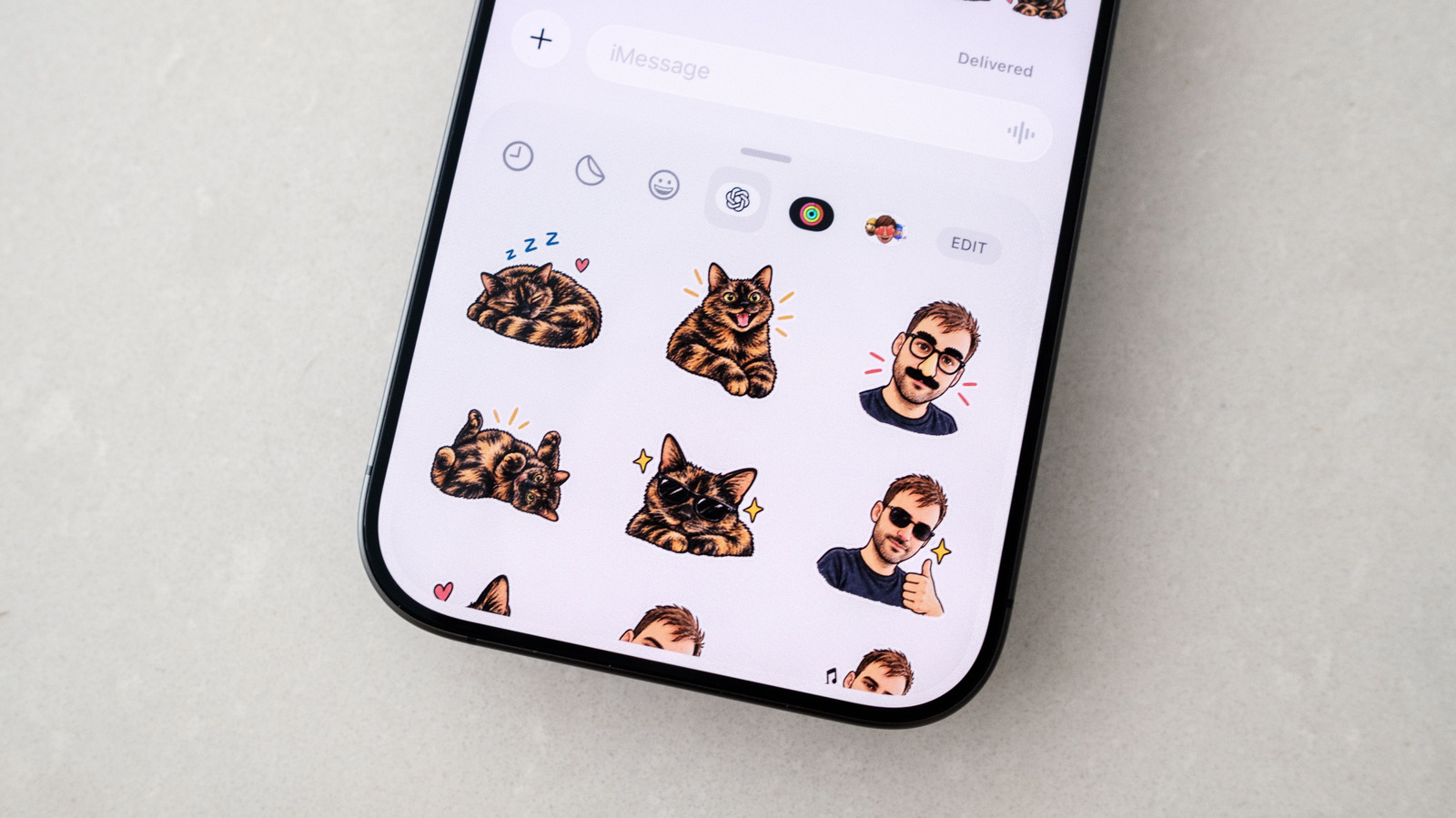
Stickers add warmth and nuance to texts that words alone can miss. Apple has let iOS users turn photos into stickers for iMessage, but the built-in effects are limited. OpenAI recently added a sticker-specific workflow to ChatGPT Images that turns almost any photo into stickers you can send to friends and family.
The simplest route is the ChatGPT mobile app on iOS or Android. Open the sidebar, select Images, then tap Stickers under the Trending tab. Pick a style, reference images and a set of emoji to guide the tool. After a moment, ChatGPT produces nine stickers you can add to iMessage or WhatsApp by tapping Add to chat apps and choosing your platform. WhatsApp asks you to name the pack first; iMessage won't appear on Android.
Not satisfied? Tap a sticker, choose Edit and describe the changes you want. You can also write your own prompt if you'd rather ChatGPT stay closer to the original photo. Tap the three dots and Retry to start over.
Sending them works like any other sticker. In iMessage, open a conversation, tap Plus, select Stickers, tap the OpenAI logo and pick one. In WhatsApp, tap the sticker icon in the compose bar and choose from the pack under the name you gave it.
One caveat: generated stickers count against your daily and weekly usage limits, so free-account users may need to wait for a refresh.
Source: Engadget
dArt Studio installs AI for local businesses in Broward & Palm Beach County, FL. We reply within 1 business hour.