Claude's voice mode: A practical guide to talking with Anthropic's chatbot
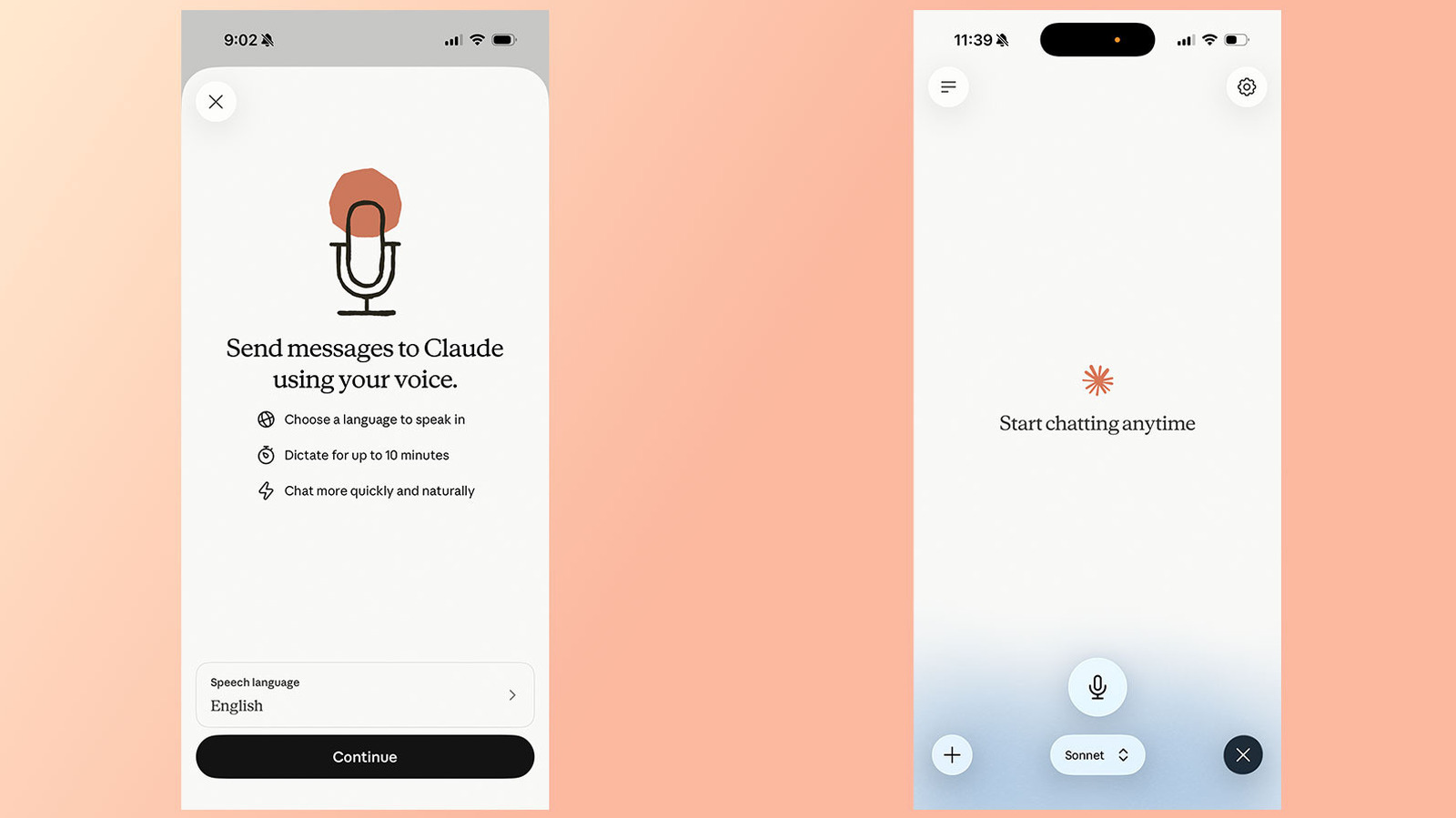
Anthropic's Claude chatbot has had a voice mode since 2025, letting users speak their prompts instead of typing them. In July 2026, the company expanded the feature significantly. Previously, voice mode only worked with Haiku, Claude's least powerful model, to keep response times low. Now, it also supports the more capable Sonnet and Opus models, and can pull in context from connected apps like Gmail, Google Calendar, and Slack.
Voice mode is available on the Claude mobile apps for Android and iOS, desktop apps, and the web, though Anthropic says it works best on a phone. To start, open the app and tap the black waveform icon in the lower right corner-not the microphone icon next to it. Grant microphone permissions if asked, then start talking. Claude responds after you finish a prompt and stays in voice mode until you tap Stop.
One quirk: Claude's voice mode is "turn-based," meaning it listens fully before replying. This differs from ChatGPT's newer "duplex" system, which can process speech and generate output simultaneously. As a result, Claude might mistake a brief pause for the end of a question, so Anthropic recommends asking multi-part questions one at a time.
You can switch models using the picker at the bottom of the interface. Haiku is fastest for quick answers, Sonnet is best for everyday tasks, and Opus is for complex tasks-but Opus requires a paid account. Free accounts can use Haiku and Sonnet in voice mode, but conversations count against usage limits. Free users also get only one connection at a time.
As of July 2026, voice mode supports 14 languages, with some regional variants like English (India), French (Canada), and Portuguese (Brazil). The language you choose affects available voices-English users get five options (Buttery, Airy, Mellow, Glassy, Rounded), while Japanese users get two. You can adjust voice and language in Settings under Voice, and also change speech speed to Slow, Normal, or Fast. Recording options include Hands free and Push to talk, with the former recommended for quiet settings.
One limitation: Claude can't detect mid-sentence language switches. If you plan to speak another language, say so out loud or change the language in Settings. For connected apps, voice works just like text chat-just name the app in your prompt, and grant permission on first use with third-party services.
Source: Engadget
dArt Studio installs AI for local businesses in Broward & Palm Beach County, FL. We reply within 1 business hour.